Appearance
Math Editing Quick Start
In 3 minutes, you can learn the fastest math input workflow. Use shortcuts to enter math mode.
- Inline formula:
$

- Display formula:
Alt+$/Option+$

- Multi-line formulas:
eqnarray format: Alt + & / Option + &

align format: Ctrl + $ / Command + $

They use different alignment behavior. Insert them from the toolbar
πmenu:Multi-line formula (eqnarray/align).
LEGO Symbols
Compose symbols by combining characters. Example: < and > represent direction, @ represents a circle. Typing < + = gives .
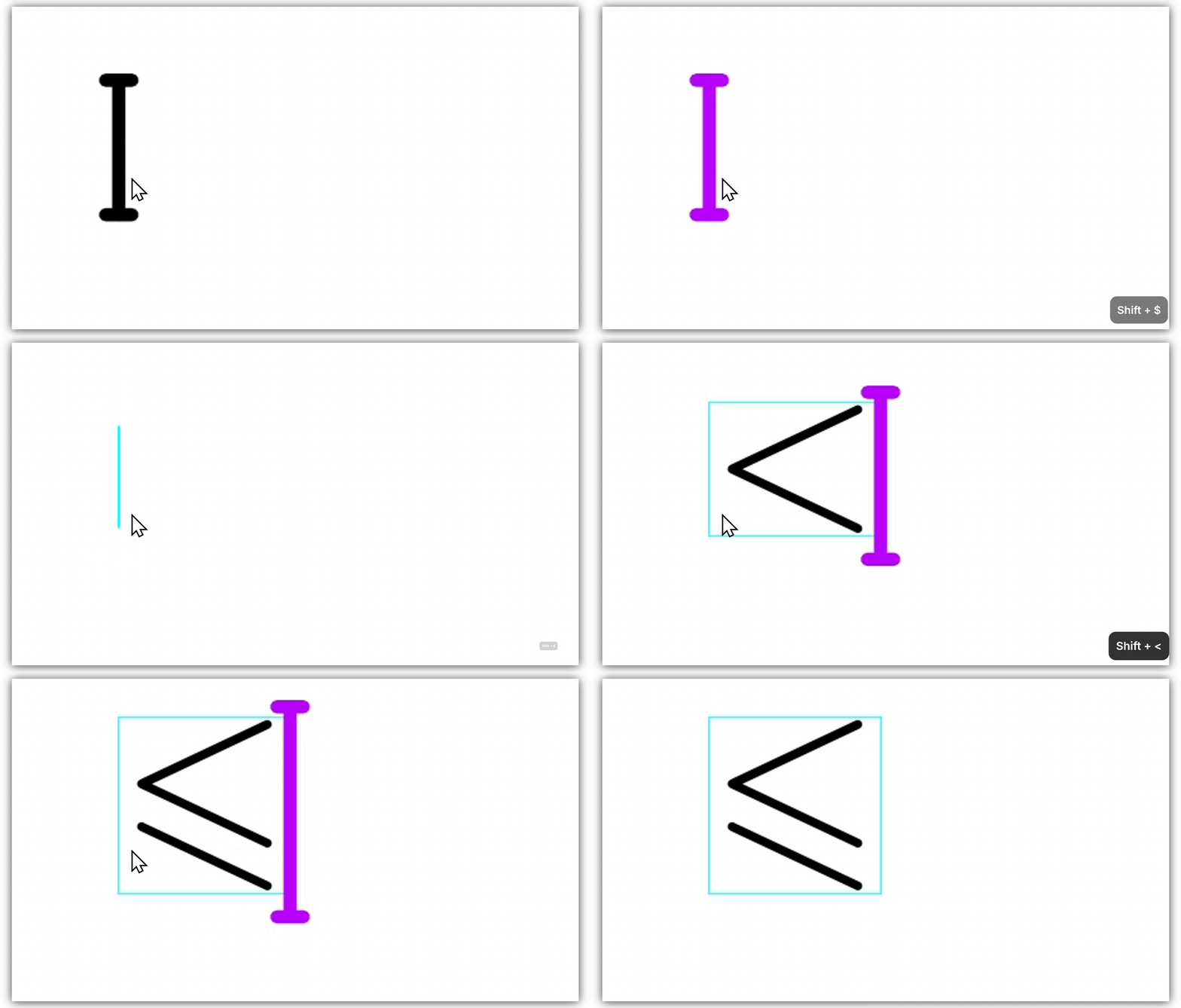
| Symbol | Liii STEM LEGO input |
|---|---|
- > | |
- - > | |
= > / | |
@ @ | |
@ + | |
@ * | |
R R | |
Q Q |
Tab Cycling
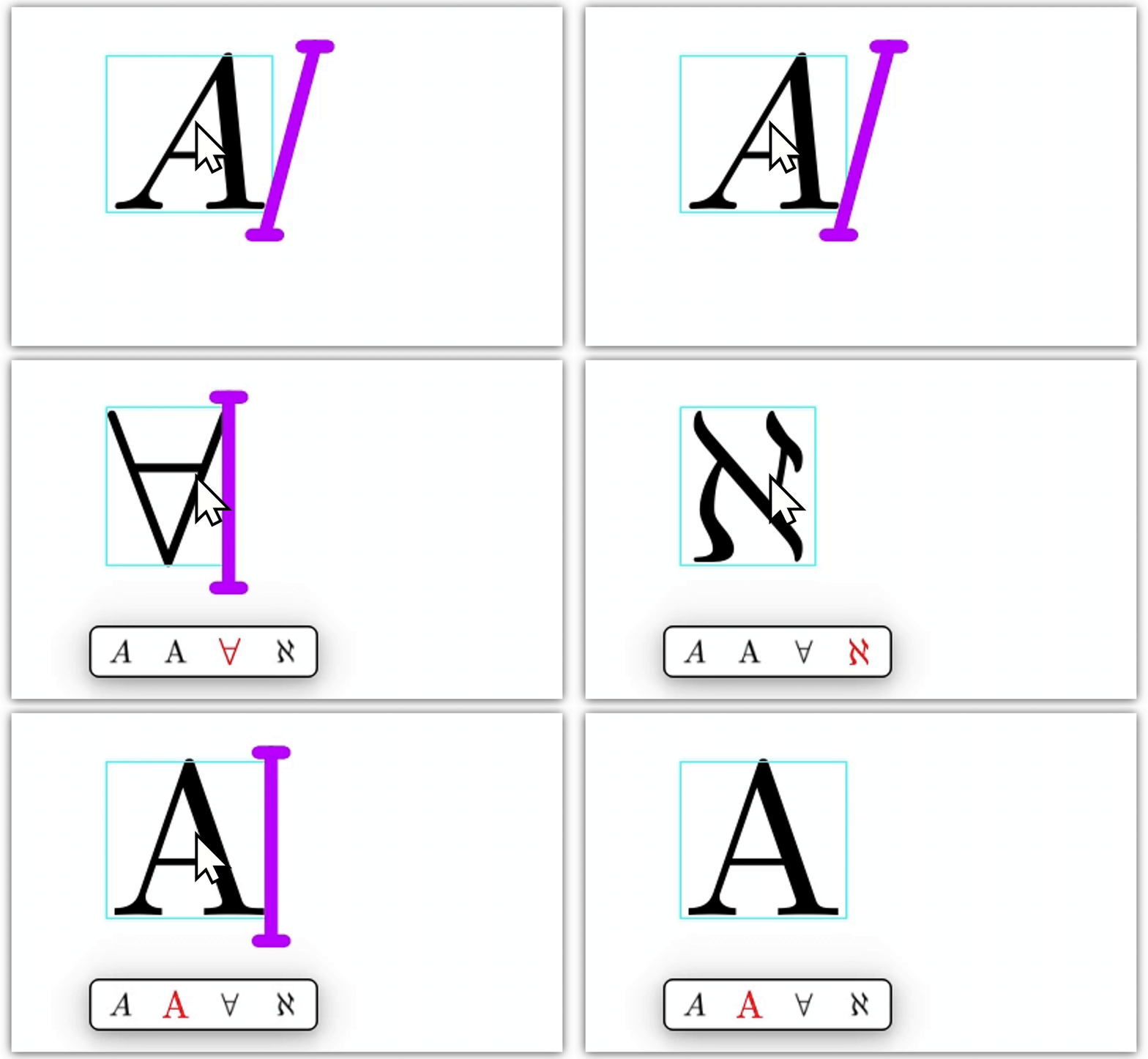
In math mode, press Tab to cycle through symbols related by shape or pronunciation.
Example: type A, press Tab twice, get .
| Symbol | Liii STEM Tab input |
|---|---|
< Tab | |
< Tab | |
a Tab | |
e Tab | |
A Tab | |
E Tab |