Appearance
Sections and Table of Contents
Insert section structures
Use the menu Insert -> Section to insert different section levels.
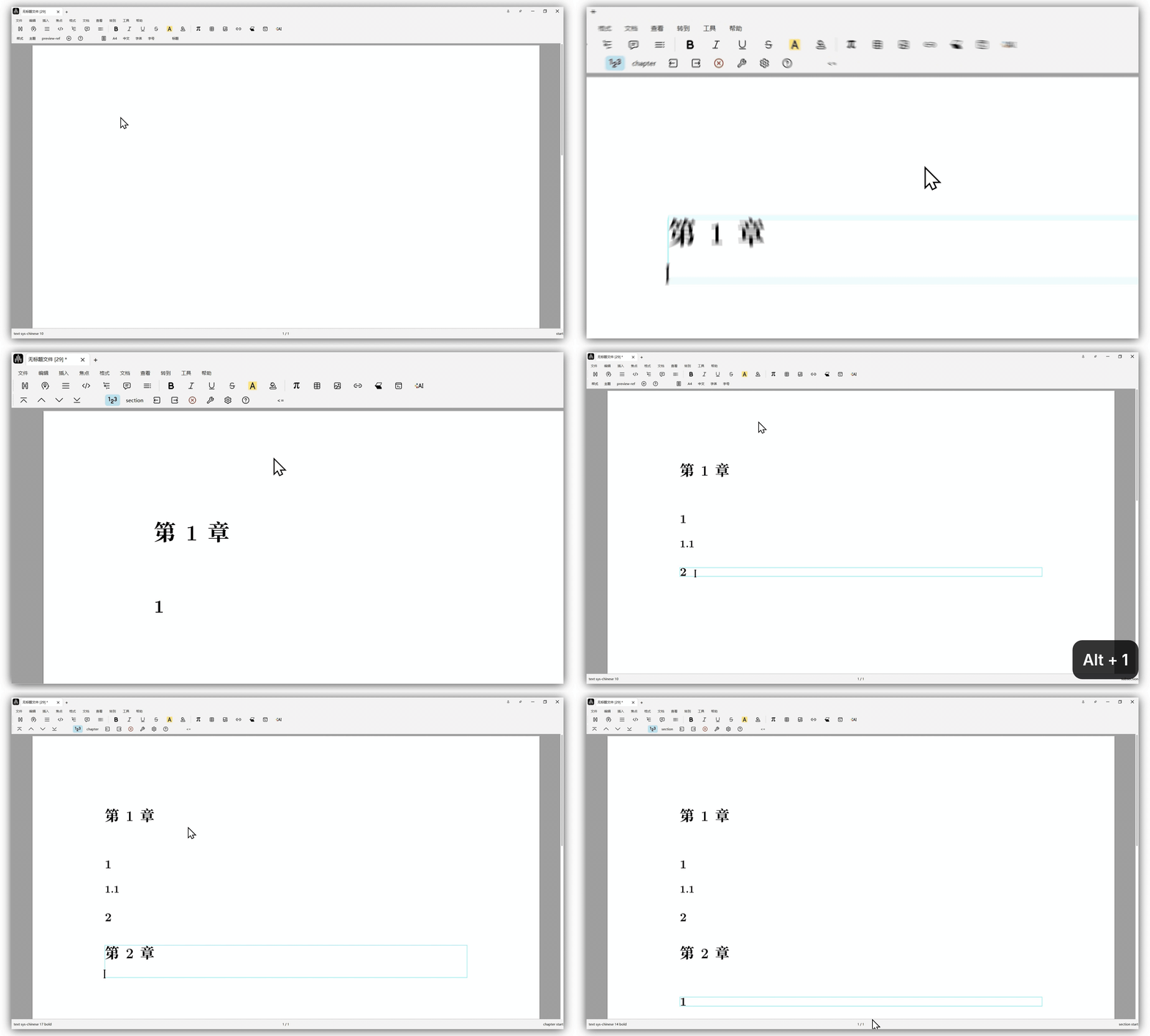
You can also use shortcuts:
Alt+0/Option+0for Chapter,Alt+1/Option+1for Section,Alt+2/Option+2for Subsection, and so on.
Section numbering styles
Liii STEM provides two numbering modes for sections:
- Section numbers include chapter numbers.
- Section numbers do not include chapter numbers.
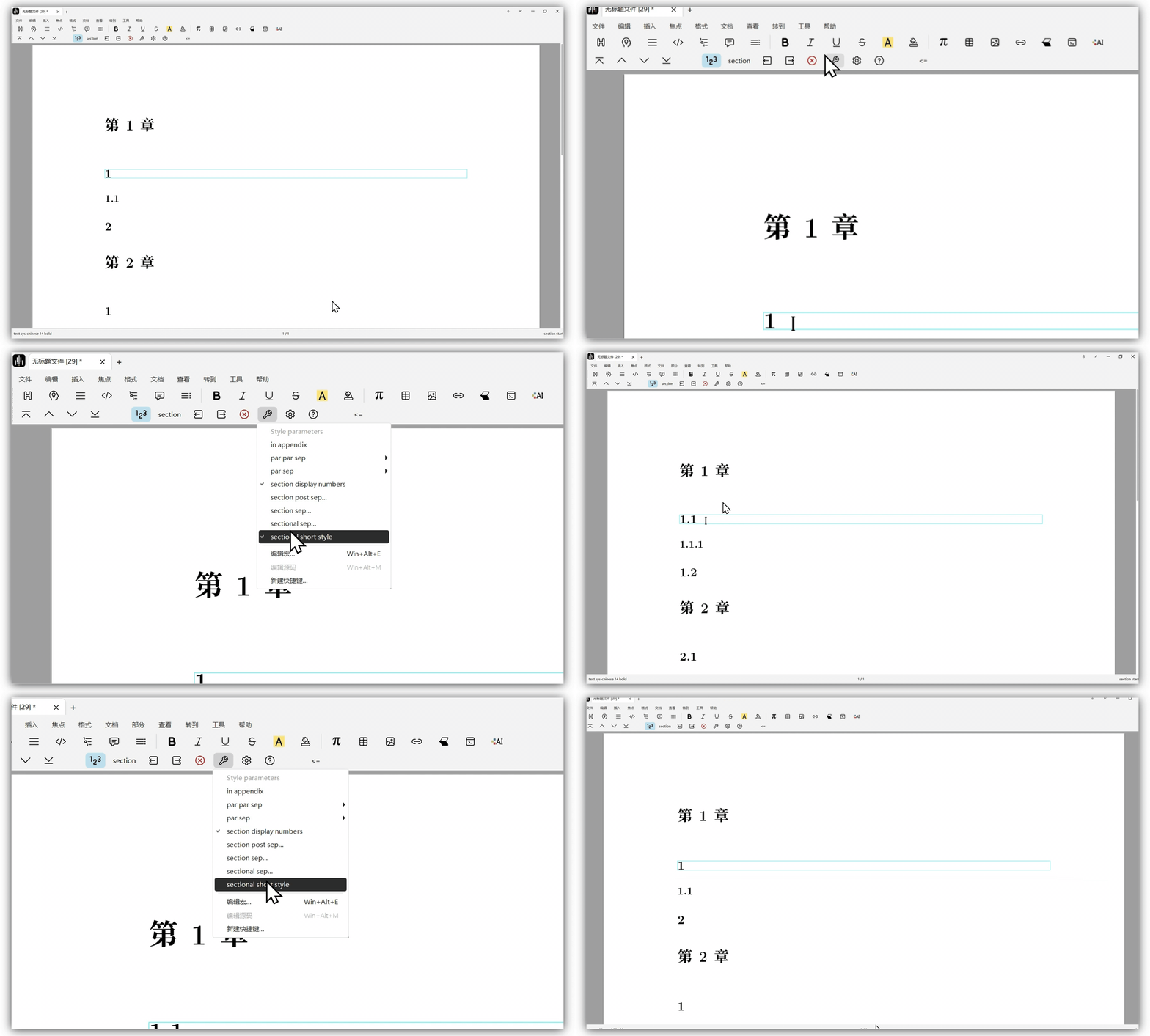
Place the cursor inside a section environment, click the wrench icon in the focus toolbar, and toggle
sectional short style.
Insert an automatic TOC
You can insert an auto-generated table of contents via Insert -> Automatic -> Table of Contents.
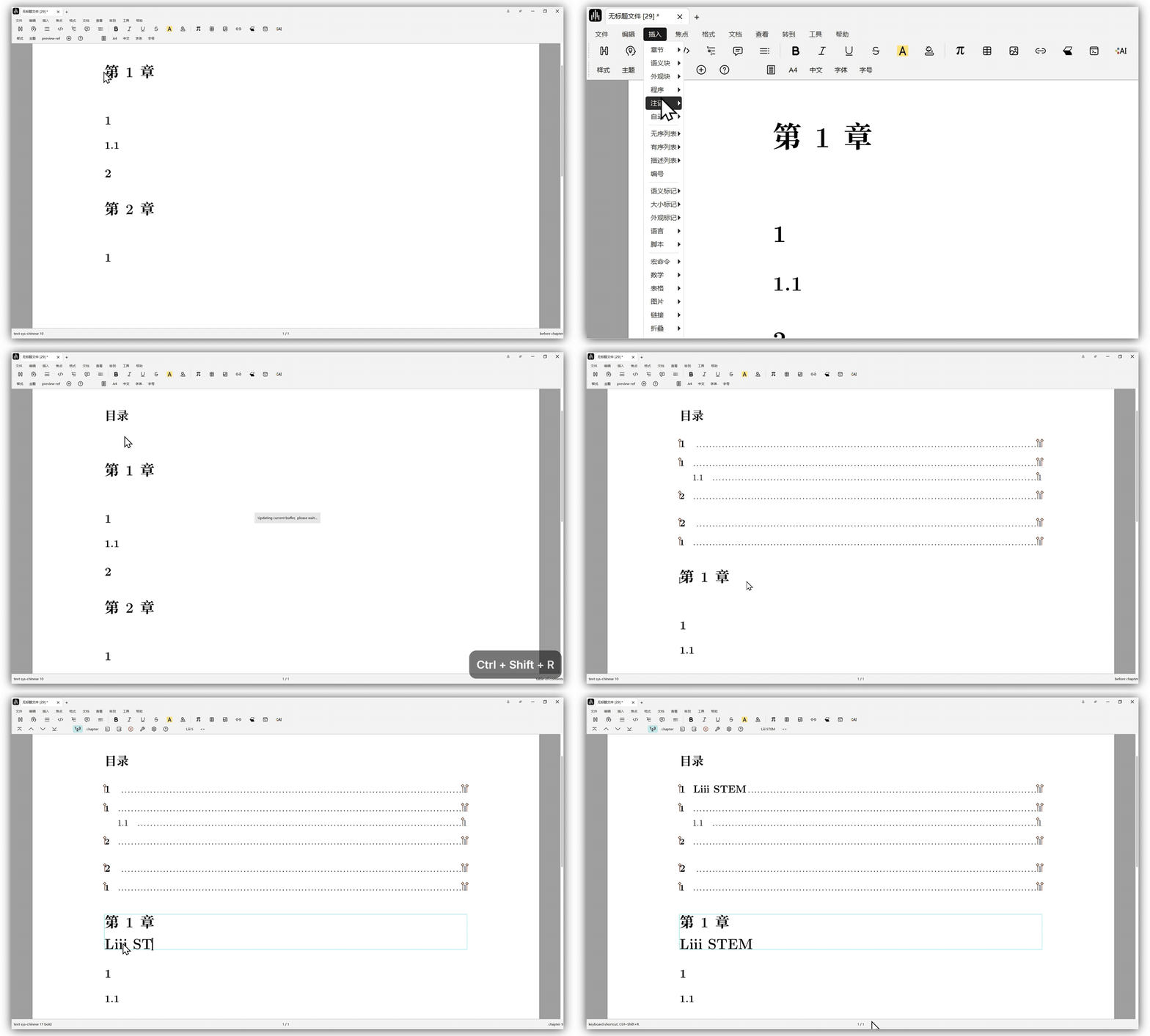
Use
Ctrl+Shift+R/Command+Shift+Rto refresh the TOC.