Appearance
Magic Paste (Quick Tutorial)
What is Magic Paste?
Magic Paste in Liii STEM can paste structured content from plain text, webpages, PDFs, handwritten formulas, and screenshots with near-lossless accuracy. It recognizes formulas, tables, code blocks, and document structure automatically.
How to use it
On macOS, replace
CtrlwithCommand.
Select -> Ctrl + C -> Ctrl + V
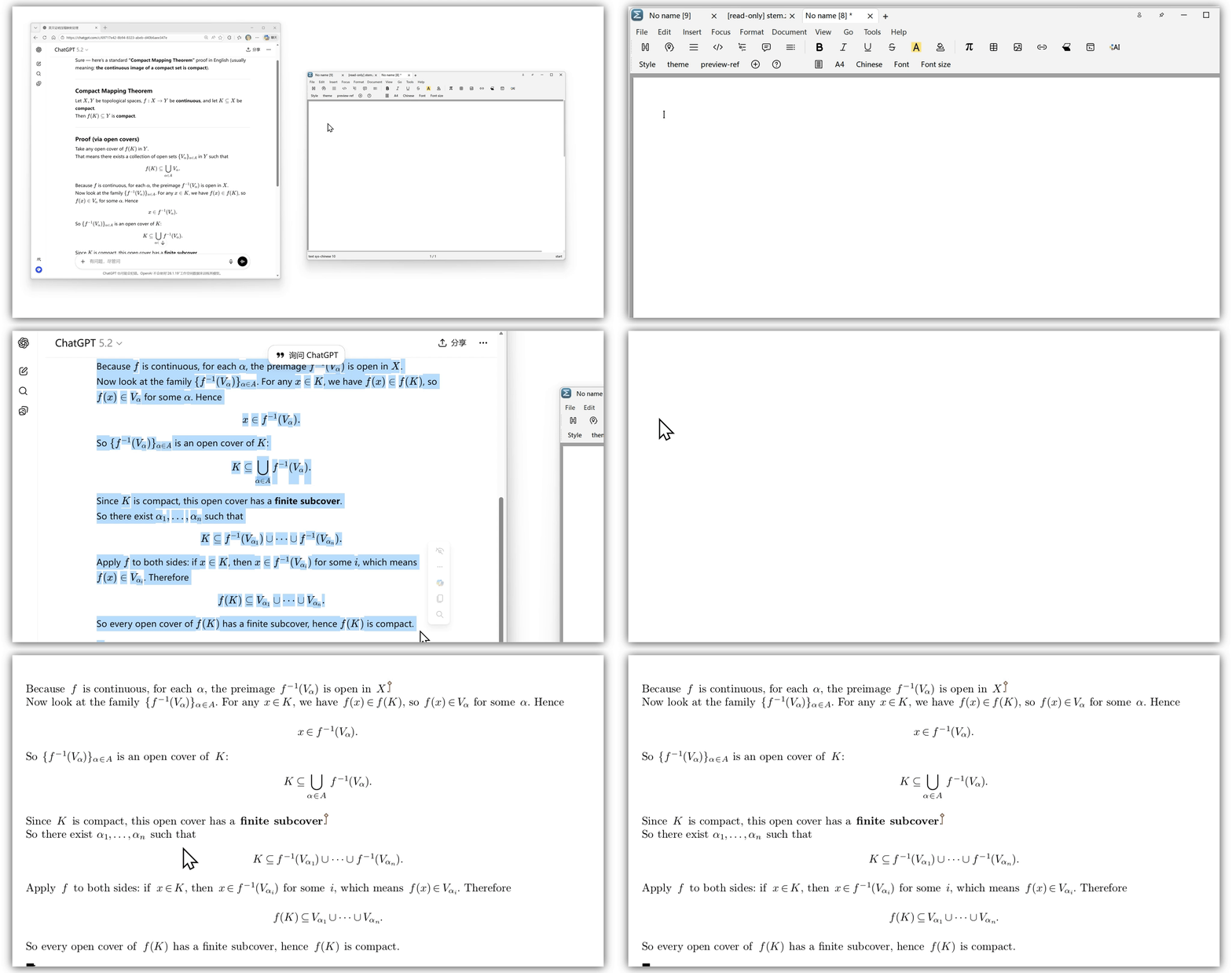
Copy content from webpages or other sources, then paste with Ctrl + V.
Copy Markdown/LaTeX -> Ctrl + Shift + V
Common ways to copy Markdown/LaTeX:
- Select text and press
Ctrl+C. - Use the copy button in an LLM chat tool (content is often copied as Markdown/LaTeX).
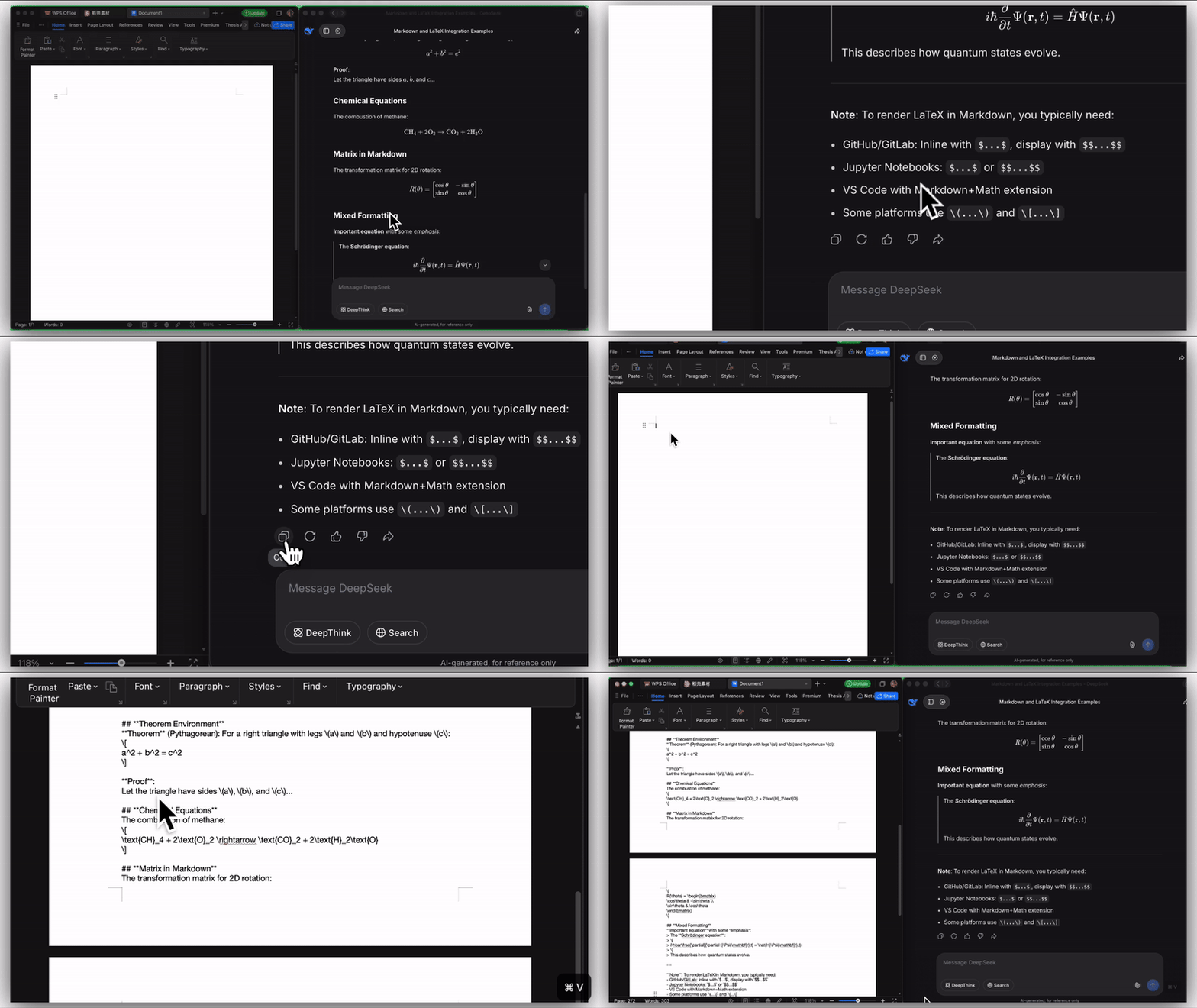
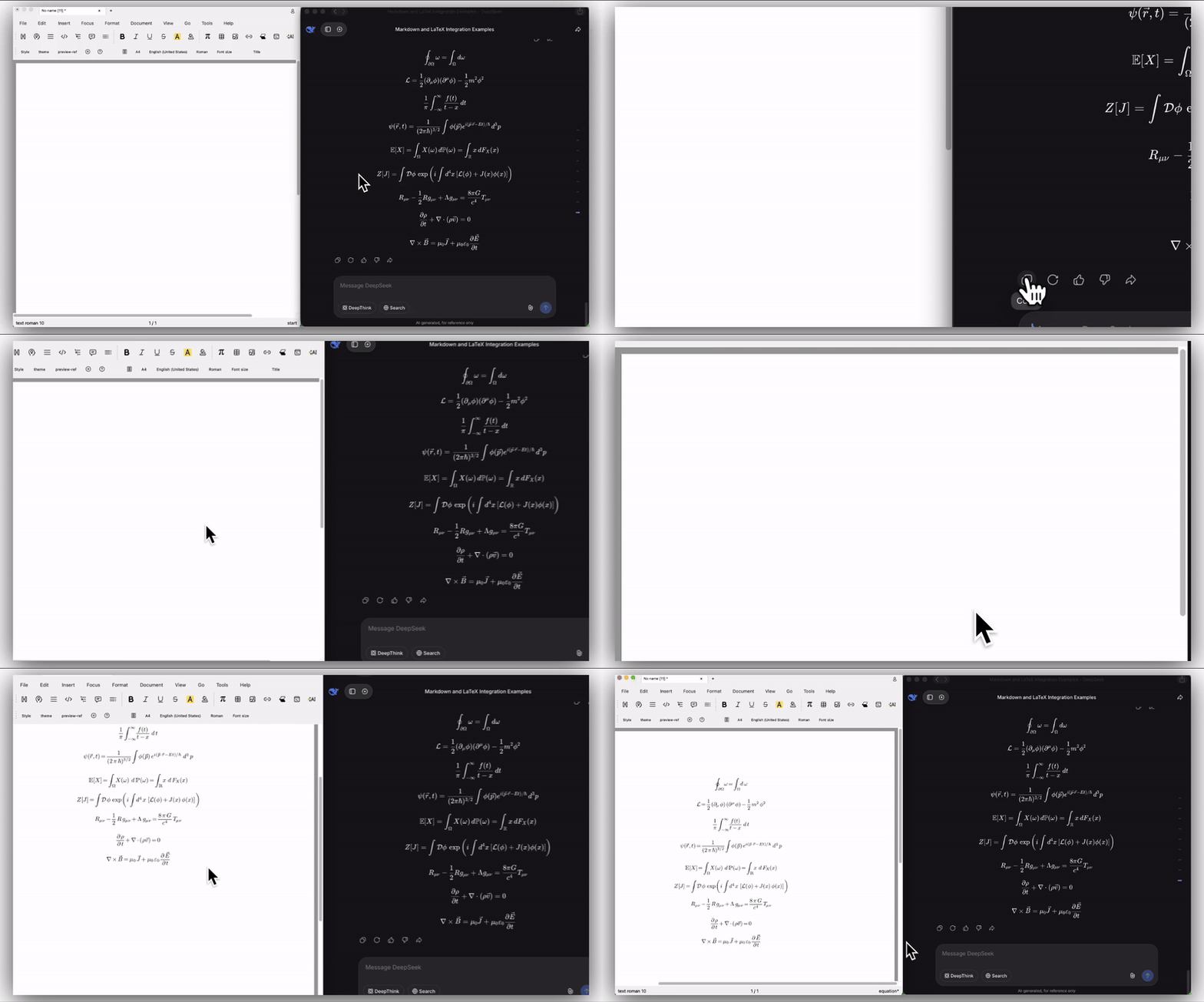
Then paste with Ctrl + Shift + V.
Screenshot -> Ctrl + Shift + V
Make sure the screenshot is in your clipboard, then press Ctrl + Shift + V.
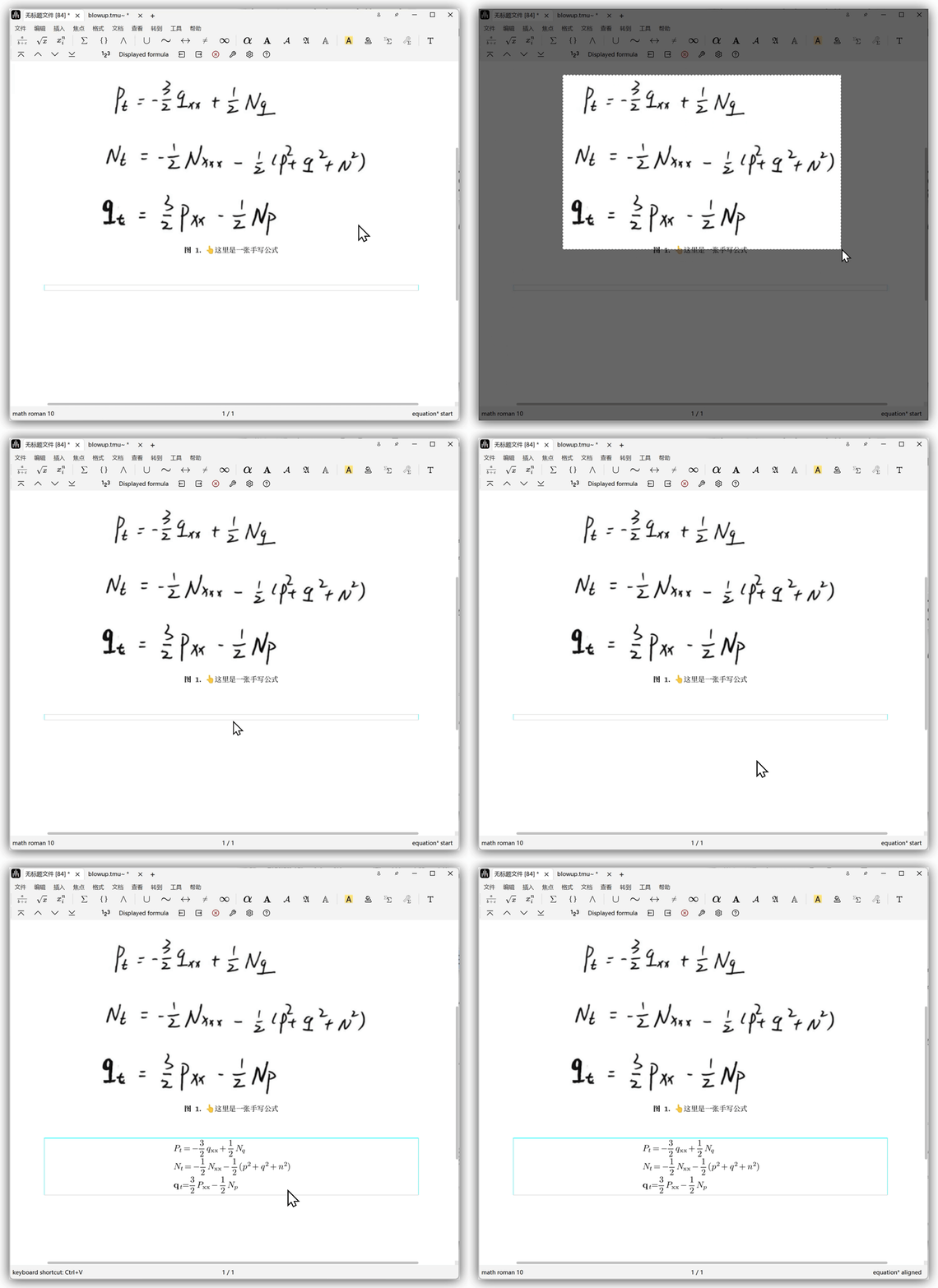
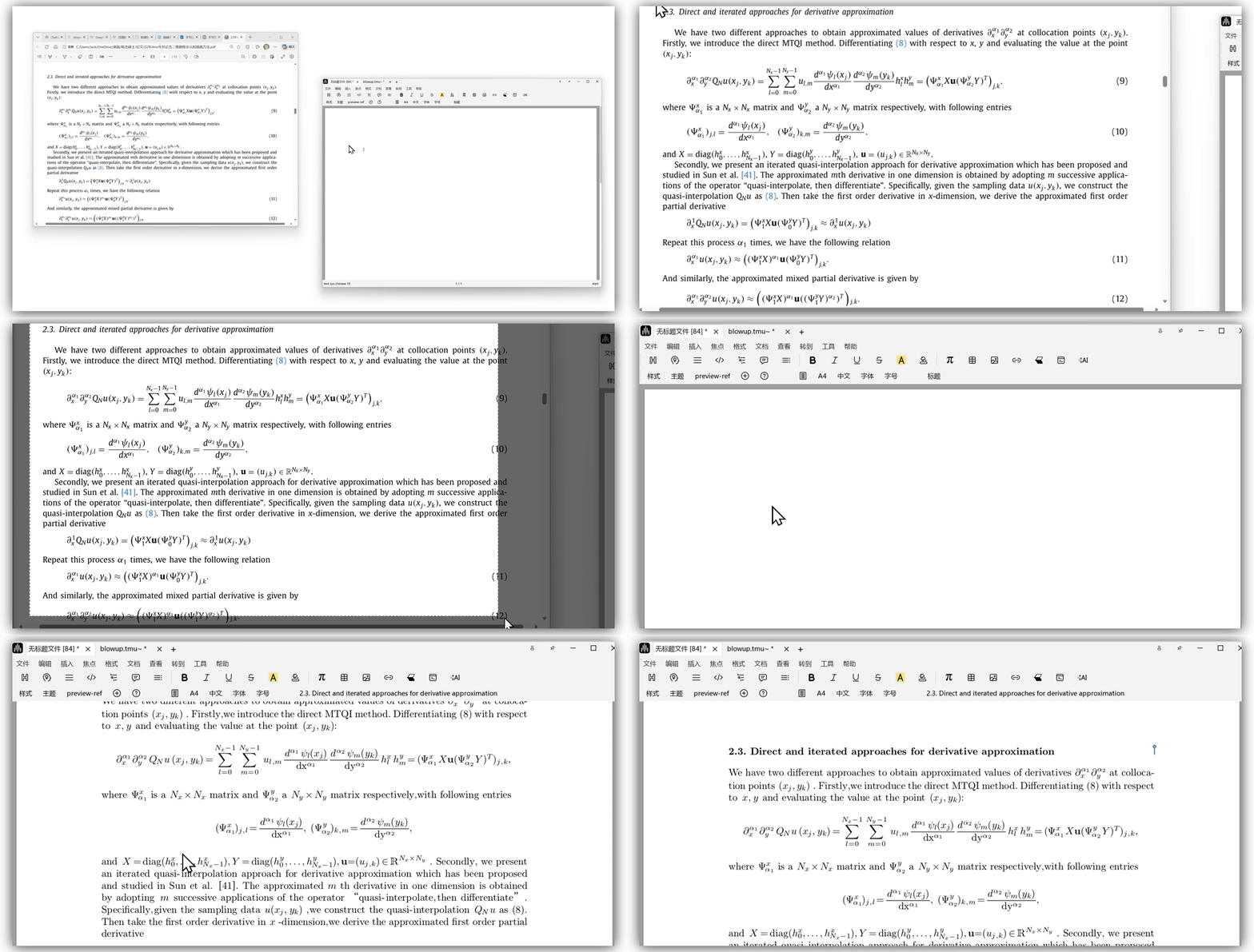
Windows: use
PrintScreen. macOS: useCommand+Ctrl+Shift+4.